
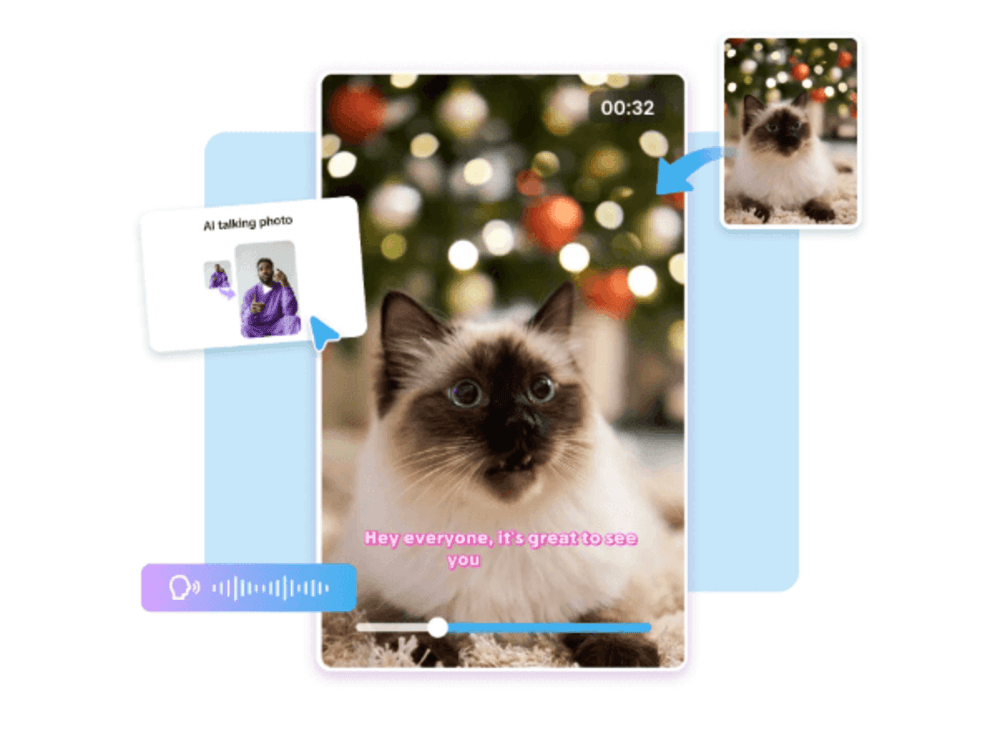
Why does a video of a dog "narrating" its own zoomies moment consistently outperform almost every other type of pet content online?
Because it turns a pet from something to be watched into something doing the talking — and audiences can't resist a first-person joke delivered with total animal confidence. Pippit's Seedance 2.5 model lets creators turn a regular pet clip into that exact format, giving a cat or dog an animated "voice moment" and a POV-style scene, without any voiceover recording or animation software.
Let's walk through this one in a quick question-and-answer format, since that's basically how the format itself works.
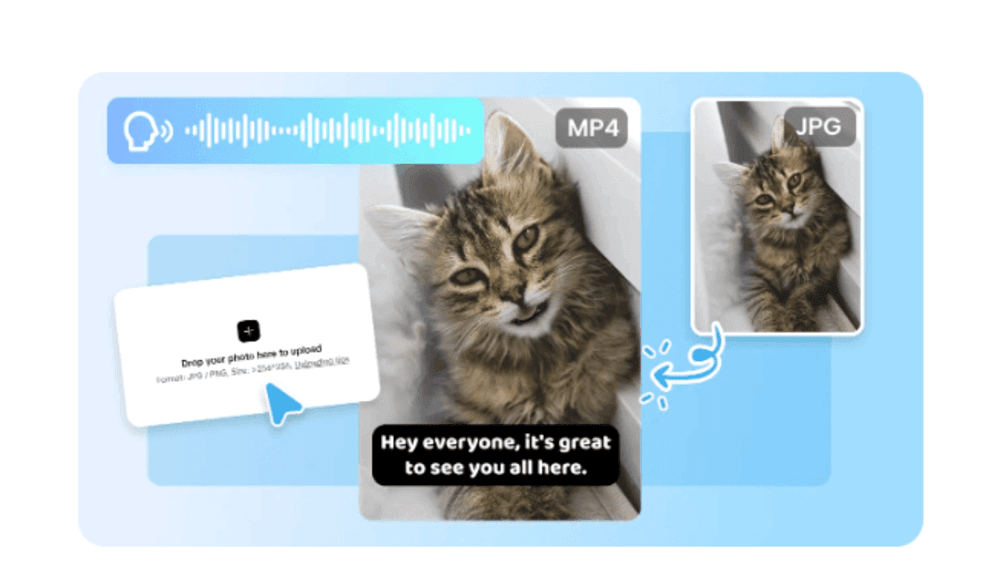
What actually makes a talking pet video work?
It's rarely the joke alone — it's the timing between the pet's real expression or motion and the "thought" being expressed. A perfectly deadpan cat stare paired with an unexpectedly dramatic internal monologue is funnier than either element on its own. The animation needs to feel like it's reacting to something the pet is actually doing in the original footage.
Q: Why has this format taken over so much of pet content specifically?
A few reasons keep it dominant:
- It works with footage almost anyone already has on their phone.
- The comedic payoff is short and immediate, which suits how people scroll.
- It doesn't require the pet to be doing anything unusual — an ordinary stare or yawn is enough.
- It invites easy audience participation, since viewers add their own "translations" in the comments.
How do you actually generate one in Pippit?
Step 1: Upload your pet clip and describe the moment
Open Pippit's Video Generator and upload a short clip of your pet — a stare, a head tilt, a dramatic sigh moment works especially well. Select Seedance 2.5 and write a time-stamped prompt describing the comedic beat.
For example: Create a 15-second POV video of a cat's dramatic internal monologue. 0–5 seconds: cat stares blankly at an empty food bowl, deadpan expression. 6–10 seconds: subtle eyebrow raise and slow head tilt, building comedic tension. 11–15 seconds: end on an exaggerated sigh and a slow blink toward the camera.
Step 2: Use time markers to control the comedic beat
Time-stamp the prompt so the setup, the "reaction," and the punchline land at specific moments — a still, deadpan opening, a subtle shift in expression at the midpoint, and an exaggerated reaction at the end. Review the draft and make sure the comedic timing lands where you intended; adjust the prompt if the pacing feels off.
Step 3: Extend for a longer bit, then export
Use the extension feature to add a second beat — a follow-up reaction, a second pet joining the "conversation" — without starting the generation over. Export at the resolution needed for TikTok, Reels, or YouTube Shorts once the timing feels right.
What makes Seedance 2.5 specifically good at this?
Fixed duplication issues for multi-pet scenes
If a video features more than one pet "talking," previously known issues with unintended duplicate rendering have been addressed, keeping each animal distinct and consistent across the scene.
Precise local editing for clean comedic framing
Object removal lets creators clear a distracting background element — a stray toy, a cord, an open door — without regenerating the whole clip, keeping the joke's framing tight.
Realistic motion with expressive detail
Improved texture realism helps subtle facial expression and motion — a raised eyebrow, a tilted head — read clearly, which matters enormously for comedic timing that depends on small, specific details.
How do you keep a series of these fresh over time?
Building a small recurring "character voice" for a pet — a consistent tone, a running joke, a recognizable catchphrase style — helps a series build an audience the same way a sitcom character would, rather than each video feeling like an isolated one-off. Used consistently, Pippit becomes a dependable AI video generator for a pet's entire "personality" online, not just a single viral clip.
What are the most common mistakes creators make with this format?
A few things tend to undercut an otherwise good clip:
- Overloading the scene with too many gags at once instead of one clean punchline.
- Choosing footage where the pet's expression doesn't clearly support the intended joke.
- Ignoring pacing — comedy in this format depends heavily on a beat of stillness before the reaction.
Can the pet actually "talk" too?
Yes — this is where SeedAudio 1.5 comes in. Instead of relying on text captions alone to convey the internal monologue, a generated voice track can be paired directly with the animated moment, giving the pet an actual spoken punchline that lands with the visual timing. A deadpan voice matched to a deadpan stare tends to land the joke even harder than text on screen.
Does this only work for dogs and cats?
Not at all — this format has expanded naturally to any pet with an expressive face or distinct personality quirk, including rabbits, birds, and even reptiles with a particularly deadpan stare. The same principle applies regardless of species: find a genuine moment of personality in the footage and let the animation amplify it.
Conclusion
If your pet has ever given you a look that clearly meant something, that's exactly the kind of moment this format was built for. With Seedance 2.5 inside Pippit, that look can finally get its voice — and its moment online.
Next time your pet gives you that stare, it might be worth opening Pippit and letting them finally say what they're thinking.